SealShare
Self-hosted file sharing. Your own upload page to exchange files with customers, encrypted at rest, on your server and your domain. Open source, one Docker image.
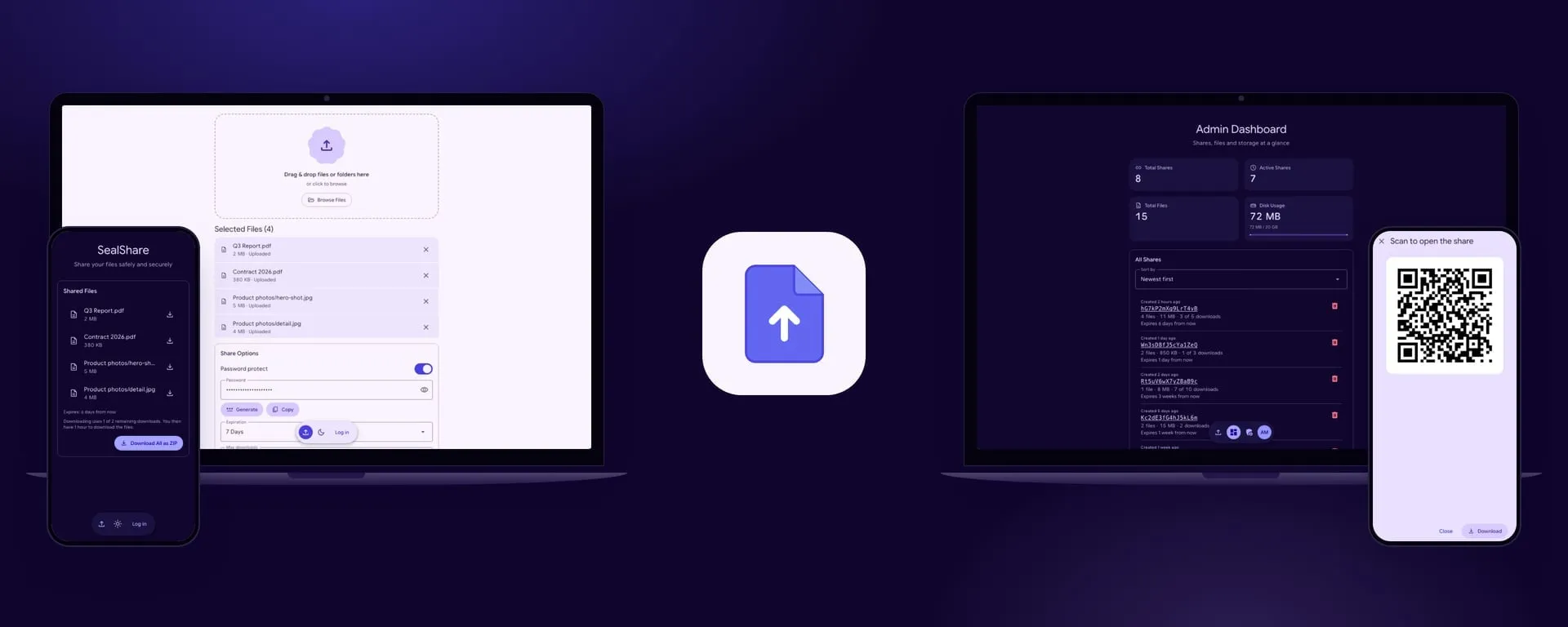
SealShare is file sharing software you install on your own server. Your company gets its own upload page to send files to customers and receive files from them, on your own domain. The files stay on a server you run instead of passing through a transfer service.
- Upload and share: drop or browse for files or whole folders, then copy the link, show it as a QR code or send it from the phone’s share sheet
- Large files go up in encrypted chunks of 16 MB, each retried if the connection drops, with no PHP upload cap
- No accounts for customers: they open the link and download single files or everything as a ZIP
- Large shares download reliably: in Chrome and Edge on a computer, the recipient picks a folder and the files are saved into it one by one, in their folders, picking up where a broken connection left off; single files resume too, and the ZIP shows its progress
- Private text: a password, a key or a short note, with the files or on its own, encrypted in the browser like a file. The recipient sees it only after pressing Show text, which counts as their download, so a link preview cannot use up a share limited to one download
- Encrypted in the browser: files are encrypted in the uploader’s browser, chunk by chunk with AES-256-GCM, before they are sent, and are stored only encrypted. Each share has its own random key; with a share password it is wrapped with a key derived from the password (Argon2id) and never stored as it is. It is not end-to-end encryption: the server issues the key, checks each chunk and decrypts the files for downloads
- Password, expiry and download limit for every share, with an expiry from 1 hour to 30 days; expired shares and their files are deleted every hour. The download page says how many downloads are left; a recipient’s download counts once, and their hour for the rest of the files starts again with every download
- Password generator: random characters or a passphrase, as the admin sets it; the password is offered once more beside the new link
- Admin dashboard and settings: every share with its size, downloads and expiry, the installed version, upload limits, a storage quota, and your own logo, title and description on the upload page
- An optional system password that closes the upload page to everyone else, and two-factor sign-in for admins
- Eight colour profiles for the admin to choose from, and light or dark for each visitor, on desktop and phone
- Uploads need HTTPS, built in with
AUTO_HTTPSor from your reverse proxy; downloads also work over plain HTTP - Open source under the MIT licence: free, with no seats or subscriptions
How it’s built
- Laravel 13 with Livewire 4 and Livewire Material 2.2 for the Material 3 Expressive components, in plain CSS with no Tailwind
- FrankenPHP through Laravel Octane, with optional automatic HTTPS (
AUTO_HTTPS), and SQLite: one Docker image and no separate database - WebCrypto AES-256-GCM in the browser, in chunks, with the keys wrapped with Argon2id
- Laravel Fortify for sign-in, password reset and two-factor authentication
- Pest tests, including browser tests with Playwright